For creators who talk to the camera
Film your takes. Claude edits the reel.
You know what you want to say. The slow part comes after: finding the good take, cutting the pauses, putting text, images and clips on the right words. Reel Studio does that part for you. It runs in Claude Code, on your own computer.
2M+views a month on our Instagram
- Mac or Windows
- Uses your paid Claude plan
- Your videos stay on your computer
- No commands to type
See how it works.
01Sound familiar?
Filming is the quick part. Editing is what slows you down.
You have the idea. You've filmed it. Then the edit starts.
The takes
The same line, again and again
You slip on a word and say it again. Later you play every take to find the one that worked.
The trimming
Pauses, ums and restarts
You cut them out one by one, on a small screen, until the reel finally flows.
The timing
Images on the right word
You drag each image and label along the timeline until it shows when you say it. Then the next one.
The result
The reel that never goes up
The idea was good and the filming is done. It stays in your camera roll because the edit feels like a project.
Keep the part that's yours. Hand Claude the rest.
You still choose what the reel says and how it looks. Reel Studio does the editing: it cuts your takes, puts your text and images on your words, and checks that nothing you said is missing.
Watch it edit a messy shoot ↓It's made for you if
- You post reels where you talk to the camera, or want to start
- You film in short takes and lose time putting them together
- You'd rather describe the edit in plain words than learn another app
- You have a paid Claude plan, or you're happy to get one
It's not for you ifYou want a general video editor, you film long takes without a script, or you shoot with more than one camera.
02The job it does
3 minutes of takes in. A 36-second reel out.
This is a real shoot: our MOVE reel. We filmed seven clips and said some lines more than once. Our editor kept the last take of each line, cut the pauses and repeats, and checked the cut against our script. Reel Studio does the same job on your takes.
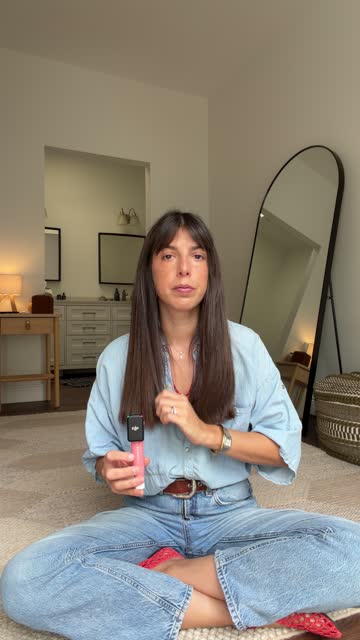 0:25
0:25Clip 1
"Trust me, your AI video looks like AI"
25 s filmed, 6 s used
 0:09
0:09Clip 2
"Put the product inside a machine"
9 s filmed, 4 s used
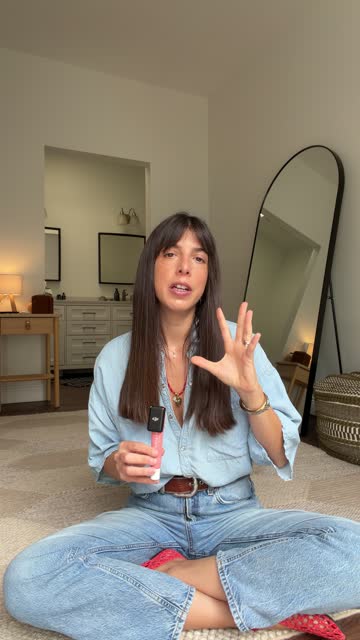 0:54
0:54Clip 3
"Give every machine one job"
54 s filmed, 6 s used
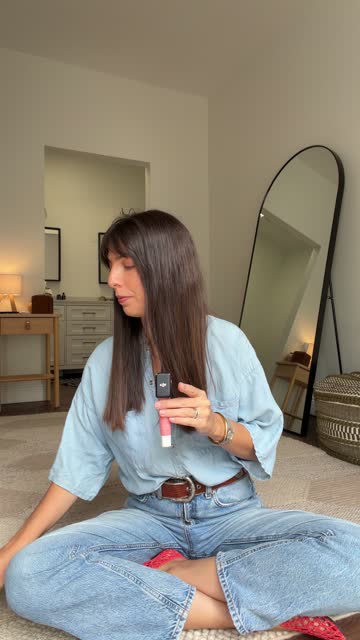 0:37
0:37Clip 4
"The printer prints the date"
37 s filmed, 5 s used
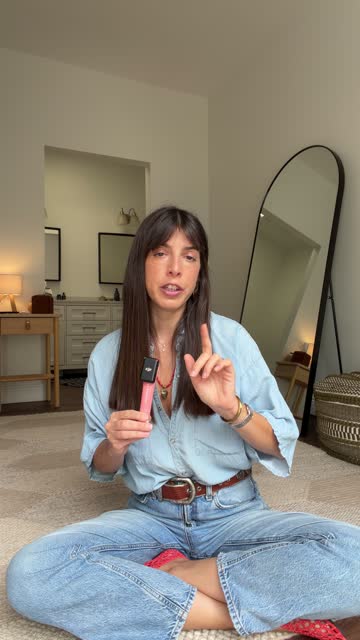 0:32
0:32Clip 5
"The camera never moves"
32 s filmed, 8 s used
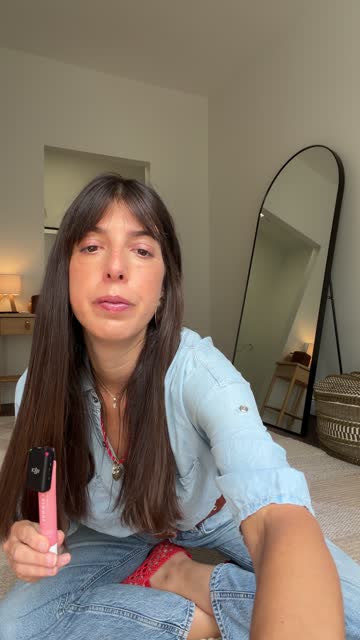 0:09
0:09Clip 6
"Video sells better than a photo"
9 s filmed, 4 s used
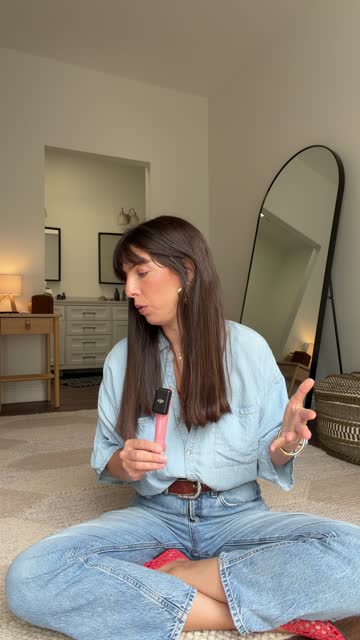 0:30
0:30Clip 7
"Comment MOVE"
30 s filmed, 7 s used
The reel
One video, ready to post
36 s
7 clips joined into one 36-second reel
What we filmed3 min 16 s
What we posted36 seconds
03The effects
What makes our reels move.
Images, words and cards land on the words we say. Some of these effects come with Reel Studio. The others we built for our own editor, and the course shows you how to build yours.
Images pop in around the speaker
One by one, each on its word. The face stays clear.
Cards slide in and stack
Each new card slides in over the last one.
Handwriting that writes itself
A short phrase writes on, letter by letter.
A fan of photos
A stack of photos opens into a fan above the head.
A card that types
A small white card types a line, like a prompt.
A word drawn in crayon
A crayon writes the word, then underlines it.
A list that grows as we talk
Each handwritten word lands as it's said.
A deck that deals
Cards turn over one by one while the list builds beside them.
One payment · Mac or Windows · 30% off with RSLAUNCH30, ends soon
04How it works
You talk. Claude does the editing.
Reel Studio is a folder you open in Claude Code, in the Claude desktop app. You ask in plain words. Claude runs everything on your computer.
-
Film one sentence per take
Vertical, same spot. Slipped? Say it again. The last take of each line is the keeper, so keep going until the last one is the good one.
-
Ask Claude for a first cut
Put your script and takes in a folder, then say:
I have a new reel to cut: monday-tipsClaude matches every line to its take, cuts the pauses and repeats, and checks the cut against your script, word by word. Nothing you said goes missing without Claude telling you.
-
Say go
Claude adds your hook, images, clips and handwriting. Name an image with its words, like "a woman walking.mp4", and it shows when you say them.
-
Review in plain words
Watch it, then write notes like "Move the image on sentence 3 to sentence 4". Claude builds v2. Earlier versions are never overwritten.
| 1 · Trust me, your AI video looks like AI | clip 1 |
| 2 · Put the product inside a machine | clip 2 |
| 3 · Then give every machine one job | clip 3 |
| 3 · The printer prints the date | clip 4 |
| 4 · One shot each | clip 5 |
| 5 · Video sells better than a photo | clip 6 |
| 6 · Comment MOVE | clip 7 |
VERIFY OK
05The editor page
Fix anything with your mouse.
After the first build, Claude opens an editor page in your browser. It runs on your computer. Nothing is uploaded.
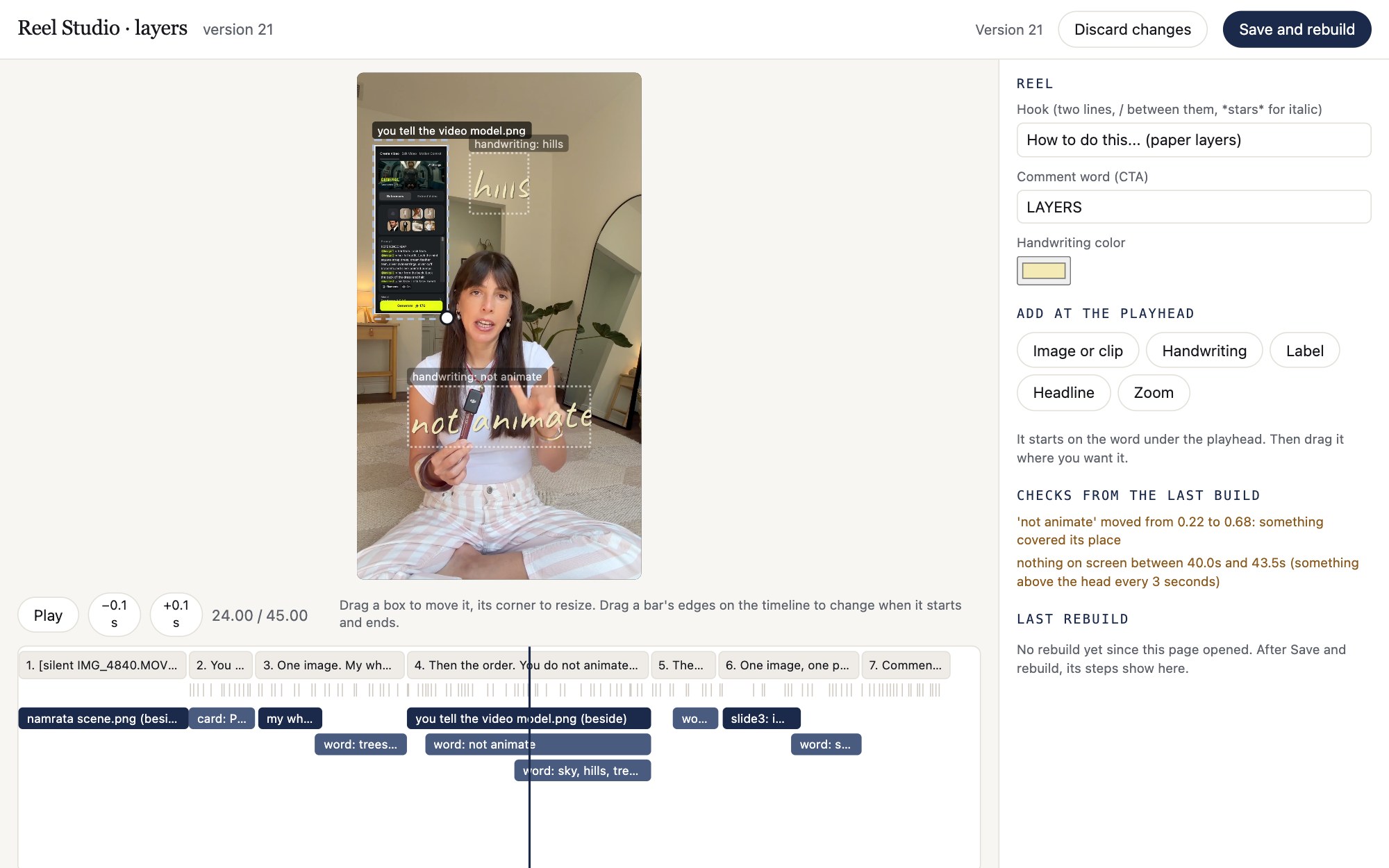
Drag it where you want it
Drag an image, clip or text to move it. Drag its corner to resize it.
Snaps to your words
Drag a layer's start or end on the timeline. It snaps to the word you said.
Another take, a shorter pause
Pick a different take for a sentence, or make a pause shorter.
Save and rebuild
A minute or two later, the new version plays on the page.
Take it to any editor
The export folder has the finished mp4, every text and image layer as a PNG, and when each one appears. Finish in CapCut or any editor, or post it as it is.
One payment · Mac or Windows · 30% off with RSLAUNCH30, ends soon

06Who made it
Reel Studio runs on our rules.
We're Alun Creative. We train AI creators in the AI Creators Hub, and we work with leading brands in the industry on their AI creative work.
4x
Faster to make a reel.
We built our own reel editor in Claude Code, and it cut the time it takes us to make a reel by 4x. Since then, we've been making a lot more content. Reel Studio is the editor we built for this course.
One payment · Mac or Windows · 30% off with RSLAUNCH30, ends soon
Want it to edit your way from the start? That's what the course is for.See the course ↓
07The course · Build Your Reel Studio
Or build your own editor.
Reel Studio is tuned to our style. Your reels don't have to look like ours. In this course you describe what you want in plain words, and Claude writes the programs. You end with an editor that cuts at your pace and adds the effects you choose.
Build your own editor for talking-head reels in Claude Code: your cuts, your effects, your workflow.For videos where you talk to the camera. Not a general video editor, and not for films.
 01 · Claude Code, not Claude chat
 02 · Your rules file
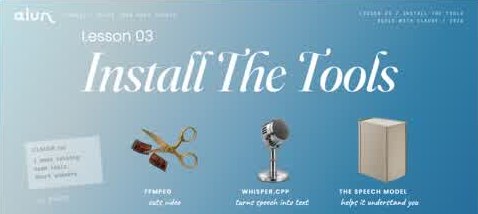 03 · Install the tools
 04 · Your project folder
 05 · What it can do, and can't
 06 · Your workflow and effects list
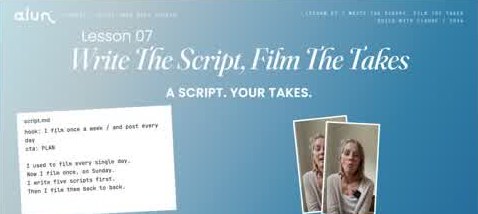 07 · Write the script, film the takes
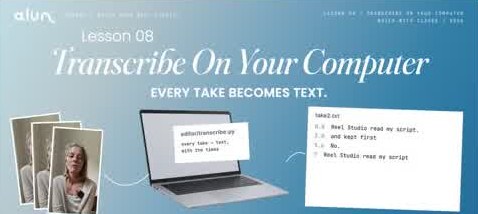 08 · Transcribe on your computer
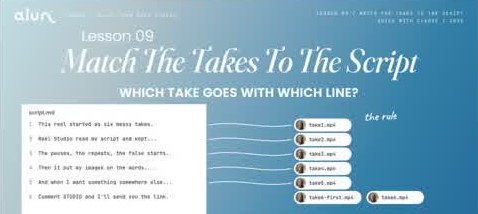 09 · Match the takes to the script
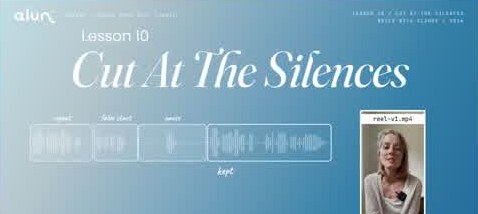 10 · Cut at the silences
 11 · Does the cut match the script?
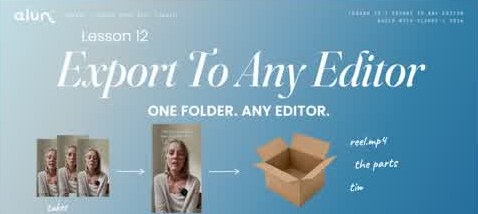 12 · Export to any editor
 13 · From words to an effect
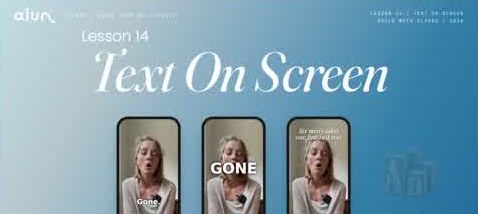 14 · Text on screen
 15 · Images and clips on your words
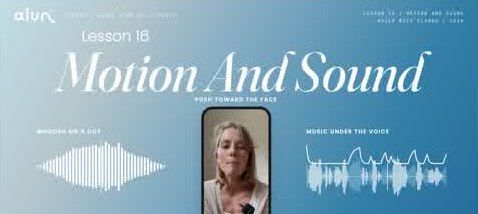 16 · Motion and sound
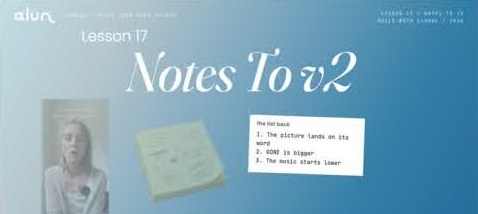 17 · Notes to v2
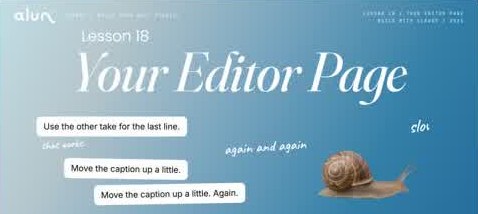 18 · Your editor page
 19 · When it breaks
 20 · How I work with Claude now
20 lessons and 19 practice lessons · about 90 minutes · scroll for all of them →
Module 1
Foundation
Claude Code, your rules file, the tools, your project folder.
You end withThe tools installed and TEST OK
Module 2
Design your editor
What a talking-head editor can and can't do. Your workflow and effects, from reels you love.
You end withOne page that describes your editor
Module 3
The cut
Script and takes, speech to text on your computer, matching, cutting at the silences, checking, export.
You end withYour first cut, exported
Module 4
Your effects
From words to an effect. Text, images and clips, motion and sound. Notes to v2.
You end withA cut with your effects, saved as rules
Module 5
Your interface
A small editor page of your own, and what to do when something breaks.
You end withYour editor page, and a way back
Your effects, not a template
Our style is one example. Here are some of the others you can describe and build:
What a lesson looks like
Short videos
Each lesson is about 3 minutes: slides and screen views, in our voice, made with AI. The welcome and the last lesson are filmed on camera.
Practice lessons
After lessons 1 to 19, a practice video walks you through the step in your own Claude. A Your Turn page gives the exact words to type.
Downloads
Reel Studio, a filming guide and starter sounds.
The lessons are short so your time goes into building, not watching. You don't write code. You describe an effect, test it on one line, and save it as a rule.
Get the course08Before you buy
Check these three things first.
All sales are final, so make sure it fits before you pay.
Setup, once
Unzip the folder, open it in Claude Code, and say:
Set up Reel Studio on this computer and run the testClaude installs the tools and edits the practice reel to prove it all works. Wait for TEST OK. The first setup takes a while because of the downloads.
- A Mac or a Windows PCmacOS 13 or newer, Intel or Apple Silicon, or Windows 10 or 11. About 3 GB free, plus room for your videos.
- A paid Claude plan with Claude CodeIn the Claude desktop app. Pro works for about one reel a day. Max gives you more room. You pay Anthropic for it, so it isn't included.
- Talking-head reels with a scriptYou talk to the camera, one sentence per take, from a written script. It isn't a general video editor, and it isn't made for films or multi-camera shoots.
Your videos stay with you
Takes, transcripts and cuts stay on your computer. Claude Code sends text to Anthropic: your script, the transcripts and Claude's messages. Video files are never uploaded.
Check before you post
Reel Studio uses AI. Results can be wrong, so watch every reel before it goes live.
One buyer, one license
Use it on your own computers and make as many reels as you want. Your reels are yours. Please don't share or resell the files.
No promises on views
Reel Studio saves you the editing. It makes no promise about views, followers or sales.
Launch offerEnds Wednesday at 9:30 AM Eastern
Buy this week: 30% off, and The Reel Kit free.
Use the code RSLAUNCH30 for 30% off Reel Studio or Build Your Reel Studio. And everyone who buys this week gets The Reel Kit free: 13 effects picked from our reels, ready for your Claude editor, Reel Studio or the editor you build in the course. When the countdown ends, so does the code, and the kit goes to $27 on its own.
30% off either option, until the countdown ends. The buy buttons on this page add it for you.
Left to get it
Ends Wednesday, October 28, at 9:30 AM Eastern.
A fan of photos
Cards that stack
A list that grows
A word in crayon
Marks on your words
- 01The hook title
- 02Images that pop in
- 03Collages and grids
- 04Handwriting
- 05A list that grows
- 06Labels side by side
- 07A big headline
- 08The call to action
- 09A fan of photos
- 10A card that types
- 11Cards that stack
- 12A word in crayon
- 13Marks on your words
How you get the kit: buy Reel Studio or the course this week. Right after, we email you the kit and a short video that shows how to add it. You tell Claude "Add The Reel Kit to my editor", and it's in.
Get Reel Studio09Pricing
Two ways in. One payment each.
The course includes Reel Studio, so you never need both.
The editor
Reel Studio
For you if you want to edit reels this week, the way we do.
Launch week: $67.90 with RSLAUNCH30
- Cuts your takes to your script
- Checks the cut against your script, word by word
- Hook text, images, clips and handwriting on your words
- The editor page for fixes by hand
- Export for CapCut or any editor
- Make as many reels as you want
- The practice shoot and a step-by-step tutorial
The Reel Kit, free this week13 effects from our reels. $27 after the launch.
Get Reel StudioThe course + the editor
Build Your Reel Studio
For you if you want your own look: your own cut rules and your own effects.
Launch week: $277.90 with RSLAUNCH30
- 20 short video lessons and 19 practice lessons, about 90 minutes
- A practice lesson and a Your Turn page after lessons 1 to 19
- Your own cut: which take wins, how fast, how long the pauses
- Your own effects, saved so every reel matches
- Your own editor page
- A filming guide and starter sounds
- Reel Studio included
The Reel Kit, free this week13 effects from our reels. $27 after the launch.
Get the courseHub members get 20% offOn Reel Studio and the course, for members of the AI Creators Hub. Right now, RSLAUNCH30 gives everyone 30% off. Codes don't add up, so use the biggest discount you have.
All sales are finalThere are no refunds. Check the three things above before you buy.
Claude is separateYou pay for your own Claude plan. Pro works for about one reel a day.
10FAQ
Questions, answered.
I'm not technical. Can I use this?
Yes. You never type a command. You talk to Claude in plain words, and it installs and runs everything. On a Mac it may ask for your password once, and Claude tells you exactly what to do.
Reel Studio or the course?
Get Reel Studio if you want to edit reels this week, the way we do. Get the course if you want your own effects and your own workflow. The course includes Reel Studio, so you don't need both.
Will my reels look like yours?
Not the same, and that's normal. Our reels look the way they do because of how we film, how we cut and our art direction: the takes we keep, the images we pick, the timing. Using the same tool doesn't give you the same reels. What Reel Studio gives you is speed: your talking-head reels, edited faster. Out of the box it uses our serif hook card, our handwriting and your voice at 1.2x. You can ask Claude for a different speed, add your own fonts and pick your handwriting color. You choose every image and clip. The effects marked "Build it in the course" don't come with Reel Studio. For a look that's yours from the start, take the course.
Can I try it before I buy?
There's no trial. The reels on this page are ours, and Reel Studio is the editor we built for this course. Watch the effects section to see which effects come with it. Check the three things in Before you buy, and if they fit, you're set.
What are the lessons like?
Short videos, about 3 minutes each: slides and screen views, in our voice, made with AI. The welcome and the last lesson are filmed on camera. After lessons 1 to 19, a practice lesson walks you through the step in your own Claude, and a Your Turn page tells you exactly what to type and how to check it worked.
Which Claude plan do I need?
A paid Claude plan, with Claude Code in the Claude desktop app. Pro works for about one reel a day. Max gives you more room. The plan is paid to Anthropic and isn't included.
Does it work on Windows?
Yes. Windows 10 or 11, or a Mac with macOS 13 or newer. The lessons are shown on a Mac.
Is it a full video editor?
No. It's made for talking-head reels: you, talking to the camera, one sentence per take. For anything more, export and finish in CapCut or any editor you like.
How do I film for it?
Vertical, in the same spot, one sentence per clip. Say a line again as many times as you need. The last take of each line is the keeper. The course includes a filming guide.
Where do my videos go?
Nowhere. Your takes, transcripts and cuts stay on your computer. The only downloads are the tools and the speech model. Claude Code sends text to Anthropic, like your script and the transcripts, but never the video files.
What if I get stuck?
Tell Claude what you see, in your own words.
What do I get after I pay?
Reel Studio is a zip folder you download, with its tutorial. The course is 20 lessons and 19 practice lessons in your account, with Reel Studio and the other downloads inside.
I'm in the Hub. Do I get a discount?
Yes. Hub members get 20% off Reel Studio and the course. During the launch, the code RSLAUNCH30 gives everyone 30% off. Codes don't add up, so use the biggest discount you have.
Why no refunds?
Reel Studio is a set of files you download and keep. Once you have them, they can't be given back. That's why this page lists everything you need before you buy.
Still have a question? Email us at studio@aluncreative.com.
Your next reel, edited by Claude.
Get the editor today, or build your own. One payment either way.